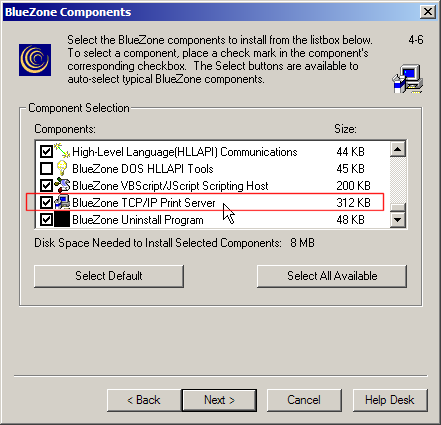
The BlueZone TCP/IP Print Server is installed using the standard BlueZone Desktop setup program. BlueZone TCP/IP Print Server is one of the components that can be selected during installation. BlueZone TCP/IP Print Server is automatically selected by default, during BlueZone installation.
 SEE BlueZone
Installation for more details on the installation process.
SEE BlueZone
Installation for more details on the installation process.
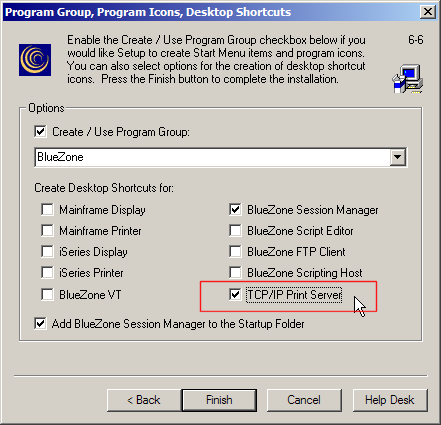
If you are planning to use the BlueZone TCP/IP Print Server, you may want BlueZone to automatically create a desktop icon. To accomplish this, be sure to check the TCP/IP Print Server checkbox on the Program Group, Program Icons, Desktop Shortcuts dialog that is displayed during installation, as shown below.
Launching \ Starting the BlueZone TCP/IP Print Server